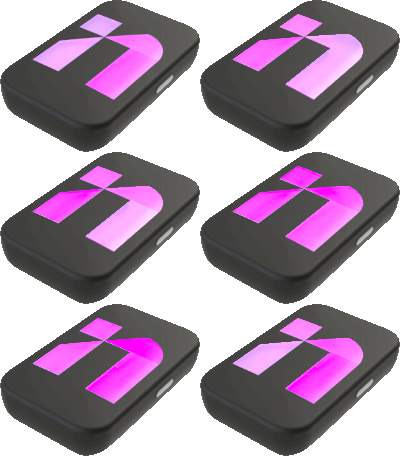
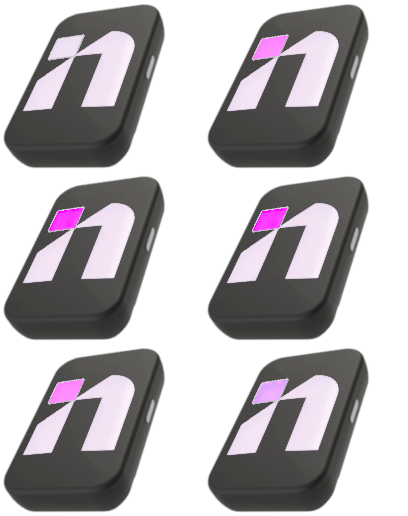
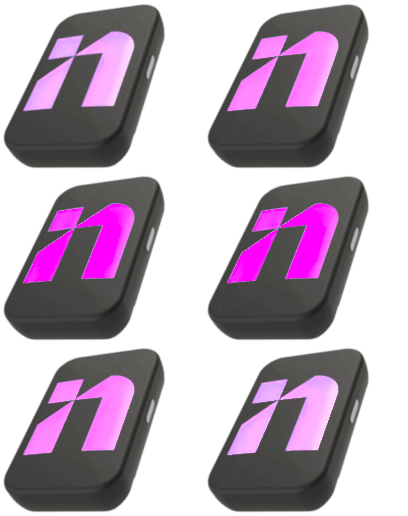
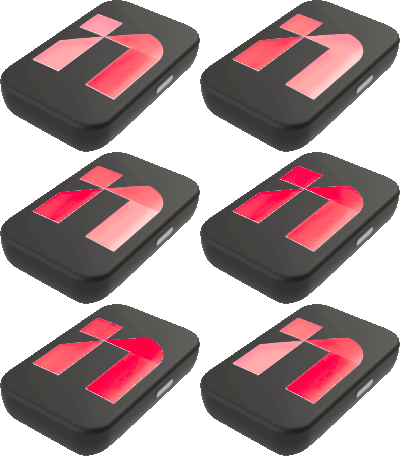
Make sure to activate the device, prior to the first use, by taking its ownership. For more information, please read the section How To Activate Your INFINITY.
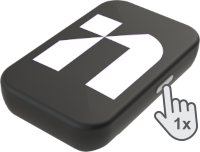
First, turn on the sensor by pressing the power button once.
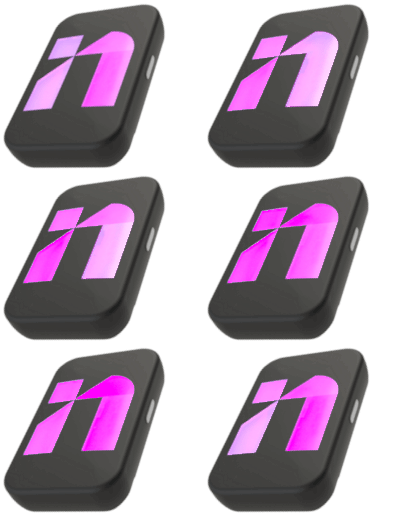
The LED lights will turn on steady violet for some seconds
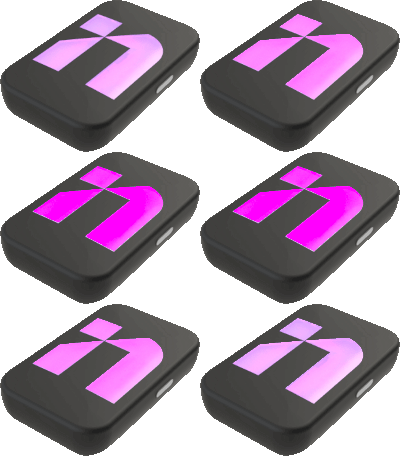
Then LED lights will start blinking violet in a “breathing” mode
Wait until LED lights are blinking violet in a “circle” mode
Your INFINITY device is ready to be used
Press power once
Starting / sensors initialization
Searching network / Searching GNSS
LIVE / Recording and sending data
Press power once
Starting / sensors initialization
Searching network / Searching GNSS
LIVE / Recording and sending data
Press power once
Starting / sensors initialization
No network / No GNSS
Searching network / Searching GNSS
LIVE / Recording and sending data
1. Press power once
2. Starting / sensors initialization
3. No network
4. Searching GNSS
5. LIVE / Recording and sending data
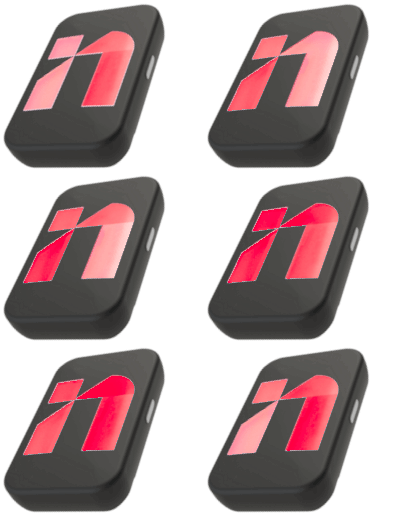
Low battery alert
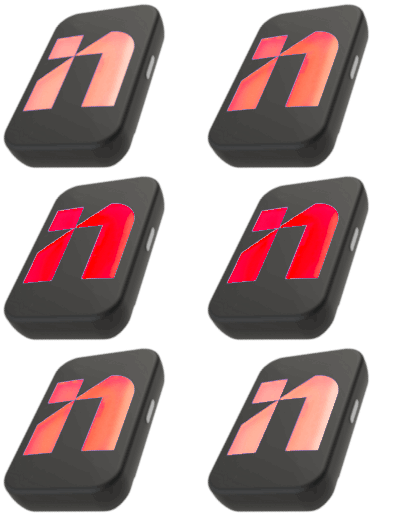
When the battery charge level is below 20%, LED lights will start breathing in red during 30 seconds.
Press power once
Starting / sensors initialization
Battery below 20%
Searching network / Searching GNSS
LIVE / Recording and sending data
1. Battery below 20%
For more details about the LED lights colours and status signification, please read the section LED Lights Behaviour On INFINITY.
Note: The data collected by INFINITY device are sent directly from the athlete to the cloud via 4G making real time data collection seamless.
After the Session
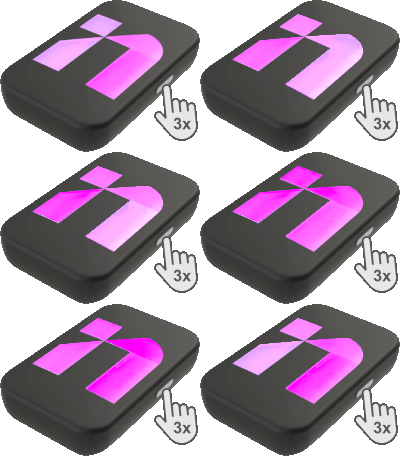
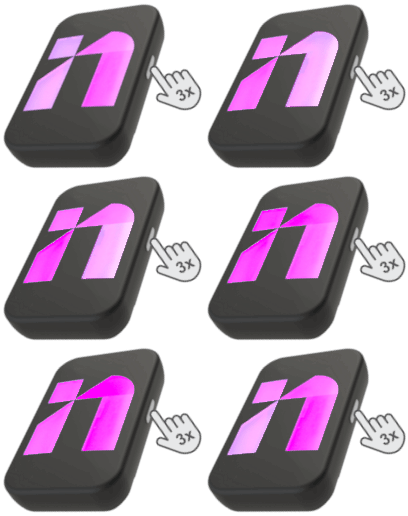
To turn off the sensor press the power button three consecutive times
LED lights will start blinking red in a “breathing” mode
After a few second, LED lights will turn off
Press power 3x
Shutting down
Device turned off
1. Press power 3x
2. Shutting down
3. Device turned off
Note: As data collected by INFINITY sensor are sent directly from the athlete to the cloud via 4G, there is no need to do a post-session synchronisation, no manual uploading of data.