INFINITY has an autonomy of 15 hours in the default configuration. A full battery recharge can take up to 2 hours when using the docking station.
Note: we recommend to charge the device some hours before using it. Do not leave it charging all the time. If the device was not used for some months, a full charge could take longer than usual. In this case, set it on charge 24h before using it again.
With magnetic USB cable
To charge your INFINITY, use the magnetic USB cable provided with your device
Connect the USB cable to a USB power adaptor or directly to your computer
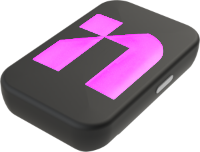
Then connect the magnetic connector to your INFINITY. The LED lights will turn violet for a few seconds
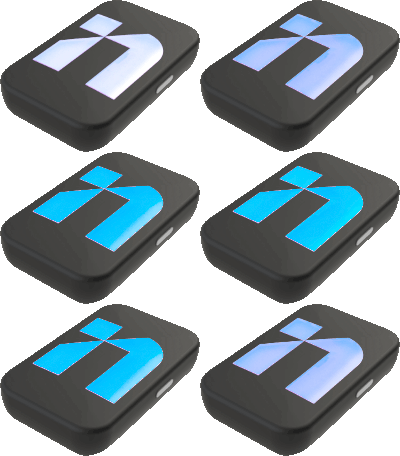
The LED lights will then start blinking blue
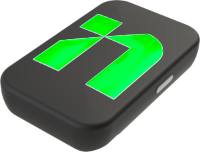
Once your INFINITY is fully charged, the LED lights will turn steady green
You can now disconnect the USB cable from you device
Your INFINITY is now ready to be use!
With Docking station
Insert your devices into the docking station slots
Connect the docking station to the provided power supply
The LED lights will turn violet for a few seconds
The LED lights will then start blinking blue
Once your devices are fully charged, the LED lights will turn steady green
You can now disconnect the power supply from the docking station