
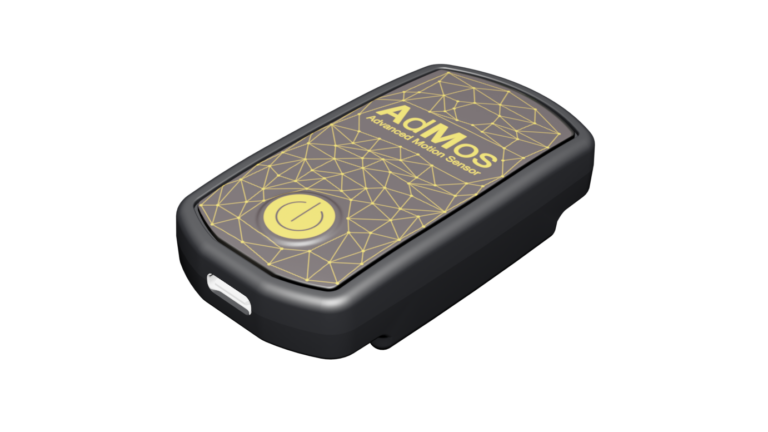
Sync RAW Data
AdMos devices record RAW data. To work with these RAW data, data needs be extracted from the device and converted into CSV files.
To extract the data from AdMos devices, you can use the RAW Insiders page: www.raw.insiders.live.
You will obtain a file with the “.asi” extension. Then use the same RAW Insiders page, you can convert the “.asi” file into CSV files.
To do these steps, please follow the instructions available form the following document: How to Download Data from AdMos Sensor
After conversion
After conversion, you will have the following CSV files:
- gnssData => “gssData.csv” – contains satellite positioning data (e.g., GPS).
- imuData => “imuData.csv” – contains angular velocity and acceleration data, from accelerometers and gyroscopes.
- hrData => “hrData.csv” – contains heart rate (bpm) data (only if electrodes are connected to the device).
- ecgData => “ecgData.csv” – contains electrocardiogram data (only if electrodes are connected to the device and option activated).
Each file contains a column with the sensor timestamps.
Since each sensor operates with its own sampling frequency and independent initialization timing, their timestamps are not inherently synchronized.
When combining data from multiple sensors, timestamp alignment must therefore be performed to ensure proper correspondence between measurements.
Example
Let’s say the GNSS timestamp starts at 1385000 [μs].
And the IMU timestamp starts at 844250 [μs].
To align the measured GNSS and IMU values, the GNSS and IMU timestamps must be aligned at 1385000 [μs].