
Before the Session
Before starting to use the device, you must activate it by taking its ownership. For more information, please read the section How To Activate Your INSPIRIT LAB.
Make sure you have configured your sensor with a player. See related section for more information.
- First, turn on the sensor by pressing once the power button.
- The LED light will start blinking.
Note: the LED light colour and blinking speed define the state of the sensor.
Using the sensor without the Shirt:
- The LED will start blinking red slowly, while the device starts synchronising with the GPS signal.
- Let it finds the GPS signal until the LED starts blinking red faster.
This operation should take up to 2 minutes maximum. - Your Inspirit LAB is ready to be used.
Using the sensor with the Shirt:
- The LED will start blinking green slowly, while the device starts synchronising with the GPS signal and measuring the heart rate with the Shirt.
- Let it finds the GPS signal until the LED starts blinking red faster.
This operation should take up to 2 minutes maximum. - Your Inspirit LAB is ready to be used with the Shirt.
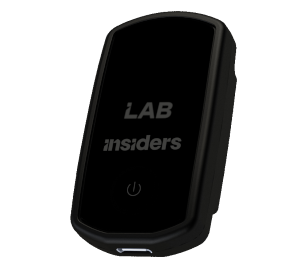
It is required for the proper functioning of the device to check its position on each athlete and that the LED is ON (In the right position you can read the number and see the LED).
After the Session
You will have to turn the device off, and then proceed to the data synchronization.
- Turn off the sensor by pressing the button 3 consecutive times.
- The LED will turn off.
- Proceed with the data synchronization by connecting it to your computer with the USB-C cable or to the Docking station.
With Docking Station
See section Sync and Charging with Docking StationWith USB-C Cable
See section How to download data from Inspirit LAB without docking station